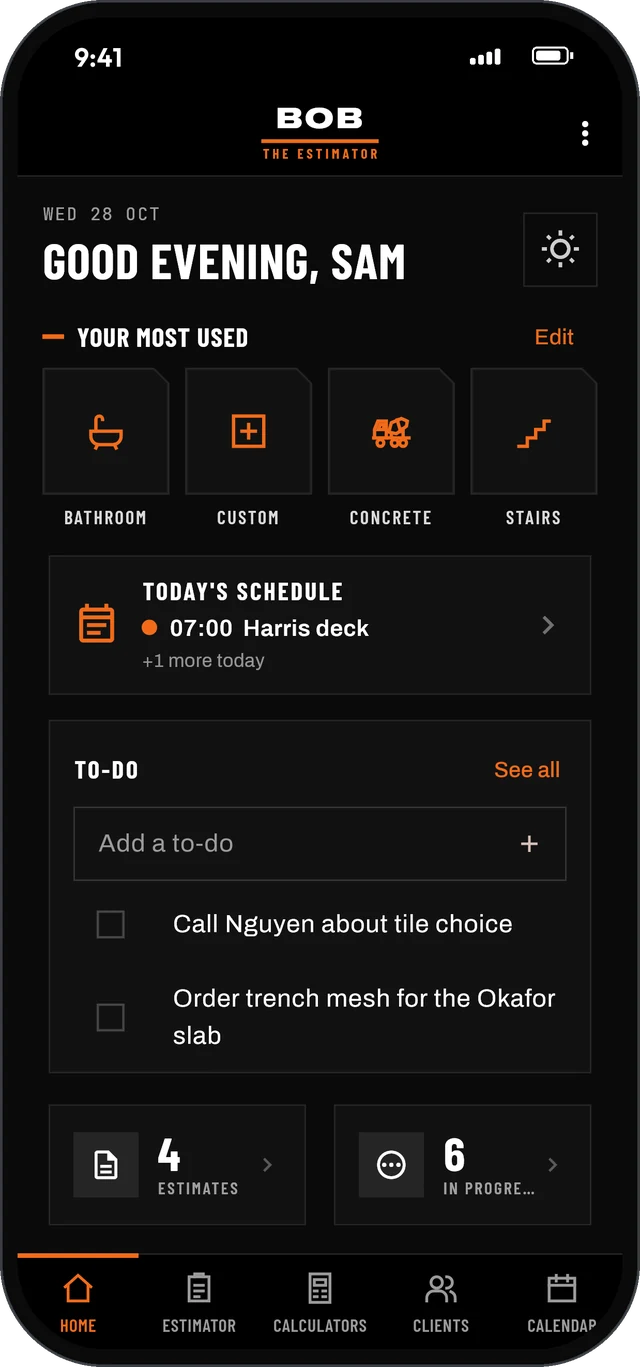
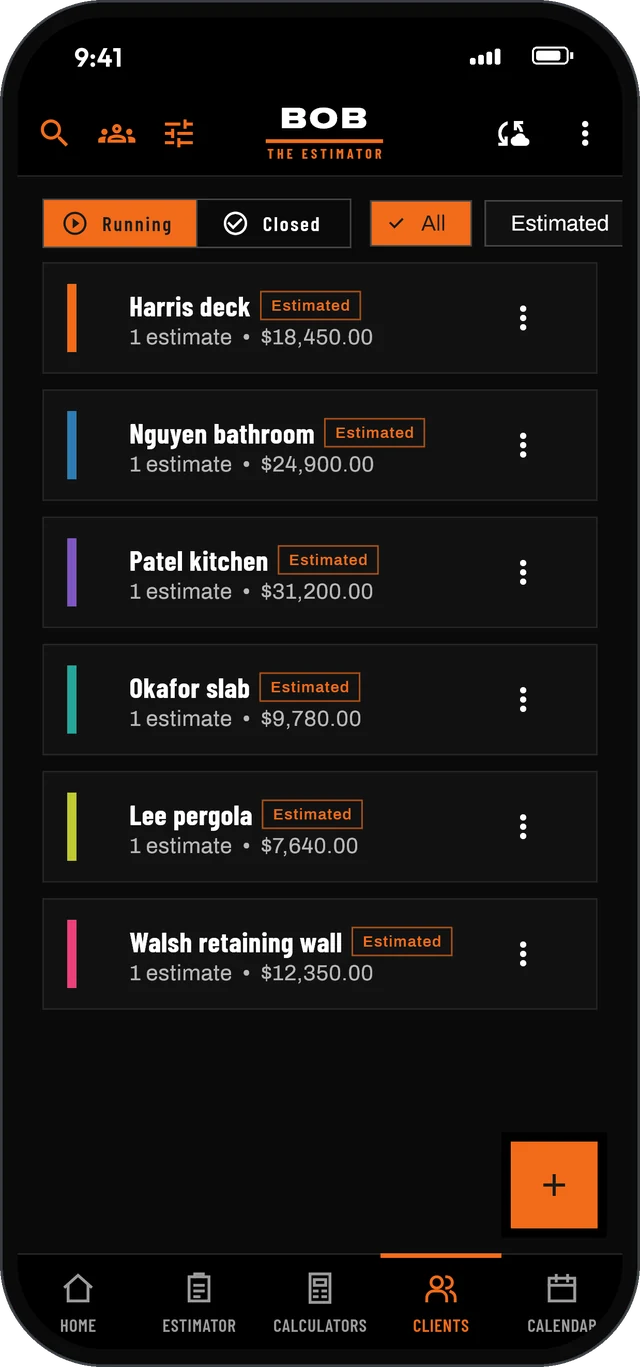
From the first estimate to the profit at the end, every job lives on its client: the quotes, the money, the schedule, the site photos and plans, and your team. Here is how it fits together.
How a job flows
- 1EstimateEstimate the job in any estimator, or type a quick quote with Add Job.
- 2Save to a clientSave it to the client, and choose the project it belongs to.
- 3Send itSend Estimate opens your own email app with the PDF attached, and marks it Sent.
- 4AcceptedMark the estimate Accepted and it counts as income; the job shows as Won.
- 5Book itPut it on the calendar and roster your crew.
- 6Team on siteMembers see their bookings, chat with you, send photos and fill in timesheets.
- 7Costs come inExpenses, receipt photos and variations — approved variations add to the income.
- 8Profit and lossWages from approved timesheets, expenses and income — by project, by period, and as a P&L PDF.
Explore the guide
The Clients listEvery job, in its own colourRead more →
The client pageEverything about one job, on one pageRead more →
Quotes tabEstimates, sending and PDFsRead more →
Money tabIncome, costs and profit, as the job runsRead more →
Schedule tabThe Job Calendar, bookings and to-dosRead more →
Site tabPhotos, plans and talliesRead more →
Projects and AnalyticsSplit the work, and see what it earnedRead more →
Your team on the jobTeam access for up to 3 people on Essentials, or up to 5 on ProRead more →
On every paid plan
Clients, Projects and the Calendar are on Lite, Essentials and Pro. Team access is on Essentials (up to 3 people) and Pro (up to 5 people).